> For the complete documentation index, see [llms.txt](https://docs.beefree.io/beefree-sdk/llms.txt). Markdown versions of documentation pages are available by appending `.md` to page URLs; this page is available as [Markdown](https://docs.beefree.io/beefree-sdk/other-customizations/appearance/content-tile-grouping.md).
# Content Tile Grouping
{% hint style="info" %}
This feature is available on Beefree SDK [Superpowers plan](https://developers.beefree.io/pricing-plans) and above. Upgrade a [development application](/beefree-sdk/getting-started/readme/development-applications.md) at no extra charge to explore features from higher plan tiers. **Note:** Usage on a development application still counts toward [usage-based fees](https://devportal.beefree.io/hc/en-us/articles/4403095825042-Usage-based-fees) and limits.
{% endhint %}
## Grouping Content Tiles
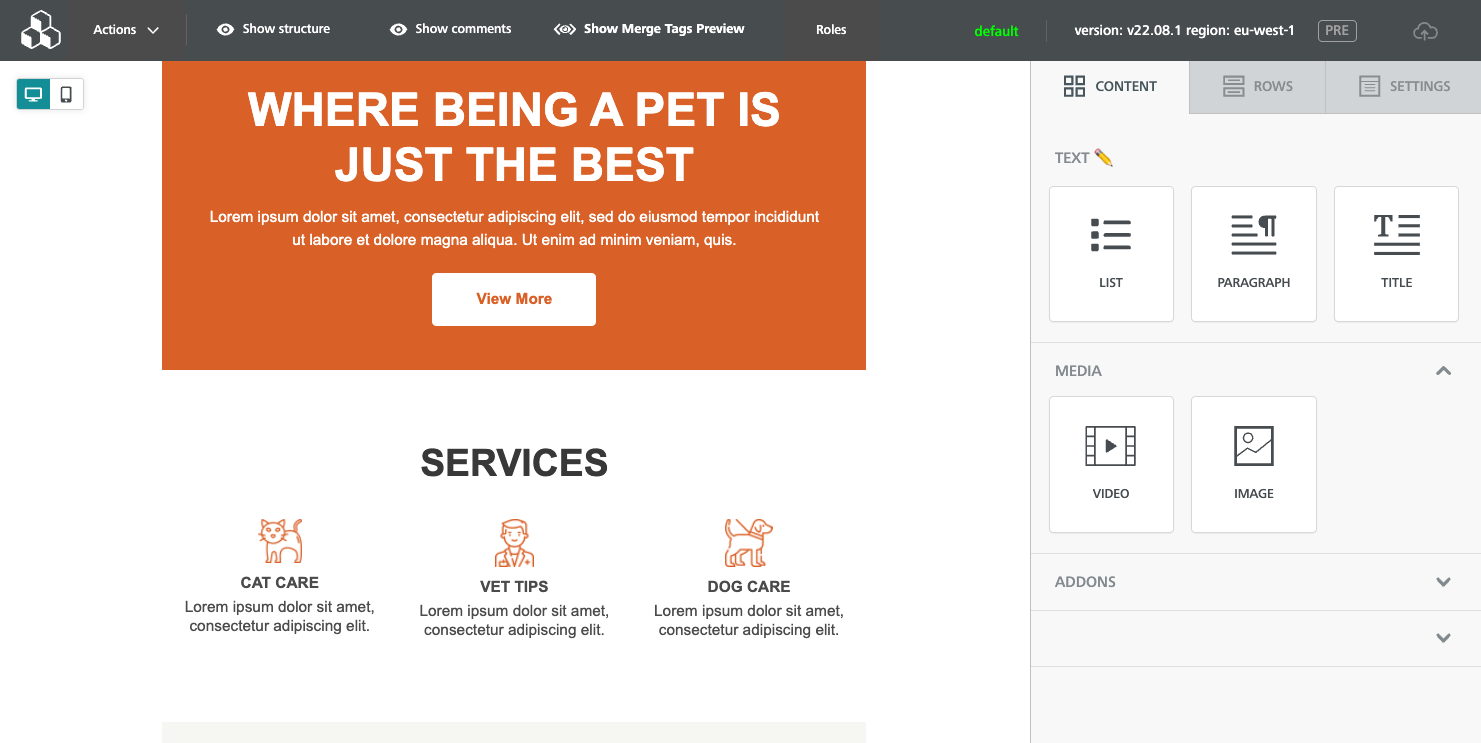
The Content Tile Grouping option allows the host application to group content tiles in the editor’s sidebar. This allows the host application to display the content blocks into distinct groups.
Content Tile Grouping supports:
* Text labels
* Special Characters
* Emojis
{% hint style="info" %}
Please note that emoji support may be determined by the OS or browsers used. Some browsers do not support, or may display emojis incorrectly.
{% endhint %}
To display custom groups, the application must pass the groups settings in the configuration at initialization, like so:
```javascript
modulesGroups: [
{
label: "Text ✏️",
collapsable: false,
collapsedOnLoad: false,
modulesNames: [
"List",
"Paragraph",
"Heading"
]
},
{
label: "Media",
collapsable: true,
collapsedOnLoad: false,
modulesNames: [
"Video",
"Image"
]
},
{
label: "AddOns",
collapsable: true,
collapsedOnLoad: true,
modulesNames: [
"Stickers",
"Gifs"
]
}
]
```
Custom groups can be collapsed and opened by default by changing the `collapsable` and `collapsedOnLoad` values.\
Ungrouped tiles will be gathered at the bottom of the list under a group with no label.
Duplicated tiles are not allowed, e.g., you can’t have a tile twice in the sidebar.\
An `onWarning` notification is triggered whenever an unknown tile is added to the configuration.
## Full List of Content Tiles
```
1. Heading (Title)
2. Paragraph
3. List
4. Image
5. Button
6. Divider
7. Spacer
8. Social
9. DynamicContent
10. Html
11. Video
12. Form
13. Icons
14. Menu
15. Carousel
16. Text
17. ---- AddOns ----
```
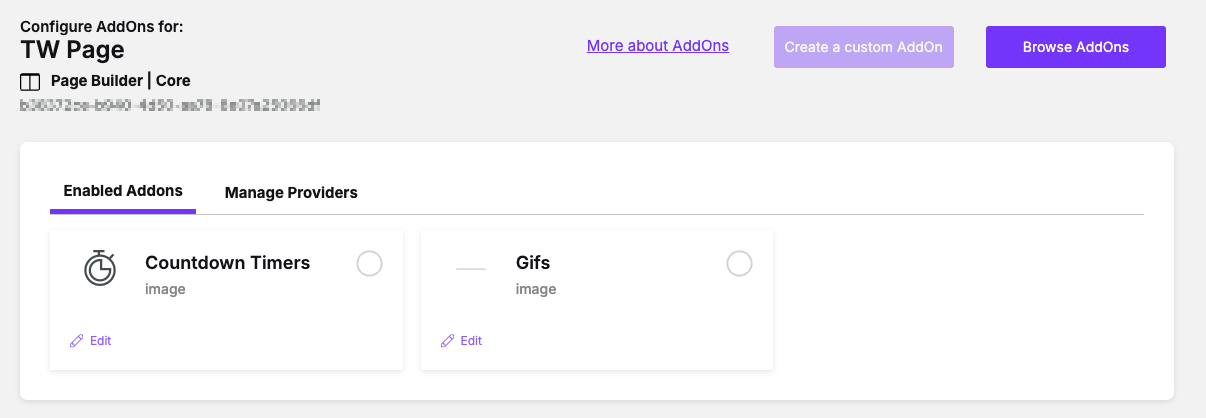
If you want to organize or include AddOns, and Custom AddOns under a custom group, mention the name used in the Beefree SDK Console.
Please note, the AddOn needs to be enabled to appear in the sidebar.
---
# Agent Instructions
This documentation is published with GitBook. GitBook is the documentation platform designed so that both humans and AI agents can read, navigate, and reason over technical content effectively. Learn more at gitbook.com.
## Querying This Documentation
If you need additional information that is not directly available in this page, you can query the documentation dynamically by asking a question.
Perform an HTTP GET request on the current page URL with the `ask` query parameter, and the optional `goal` query parameter:
```
GET https://docs.beefree.io/beefree-sdk/other-customizations/appearance/content-tile-grouping.md?ask=&goal=
```
`ask` is the immediate question: it should be specific, self-contained, and written in natural language.
`goal` is optional and describes the broader end goal you are ultimately trying to accomplish on behalf of the user. GitBook uses it to tailor the answer towards what is most useful for that goal.
The response will contain a direct answer to the question and relevant excerpts and sources from the documentation.
Use this mechanism when the answer is not explicitly present in the current page, you need clarification or additional context, or you want to retrieve related documentation sections.